 My Dream Peaks
People and clubs
Connections, partners and clubs
Connect with the people you climb with, add partners to climbs and trips, follow your feed, invite friends, and run a club.
Connections
A connection is someone you know and climb with. Connections see what you share with them (if your profile is set to Connections), show up in your feed, and are the people you pick as partners.
- To connect, open a member's profile and press + Connect. They get a request; when they Accept, you're connected.
- Your menu → Connections lists your connections, Requests for you and requests Waiting for an answer.
- Your menu → Find members searches members by name. Members can choose not to appear in search.
Partners on climbs and trips
When you log a climb, list who you climbed with under Climbed with: connections by name, anyone else by name and email. Each gets a notification (or an email invitation to join), and confirms they were there. Once they do, the climb is linked on both profiles.
The same works for trips: Who you were with on a trip sends one notification for the whole trip, and can add them to its climbs and hut stays too. And the other way round — on someone else's climb or trip press I was on this climb too or I was on this trip too; they confirm it, and your climbs and hut stays from those days are linked to theirs.
Feed and notifications
- Feed (top bar): what you and your connections climbed lately.
- 🔔 Notifications: partner requests, connection requests, club news. We also email you about connection requests and climbs you're tagged in — turn that off in Account settings.
Inviting friends
Menu → Invite friends: send an invitation to someone's email. When they join through it, you're connected straight away. There's a daily limit, and we never email people who've opted out.
Clubs
A club is a group — a climbing club, a group of friends, a company hiking group. A club has:
- Members, and admins who run it;
- Lists the club works through together (Follow a famous list or Make a club list), with each member's progress;
- a Timeline of members' climbs, stays and trips, and its own pages per peak with all members' tracks on one map;
- Outings: climbs and trips members marked as a club event. An admin accepts each into the club's record (Accept as a club event, Accept as a club trip).
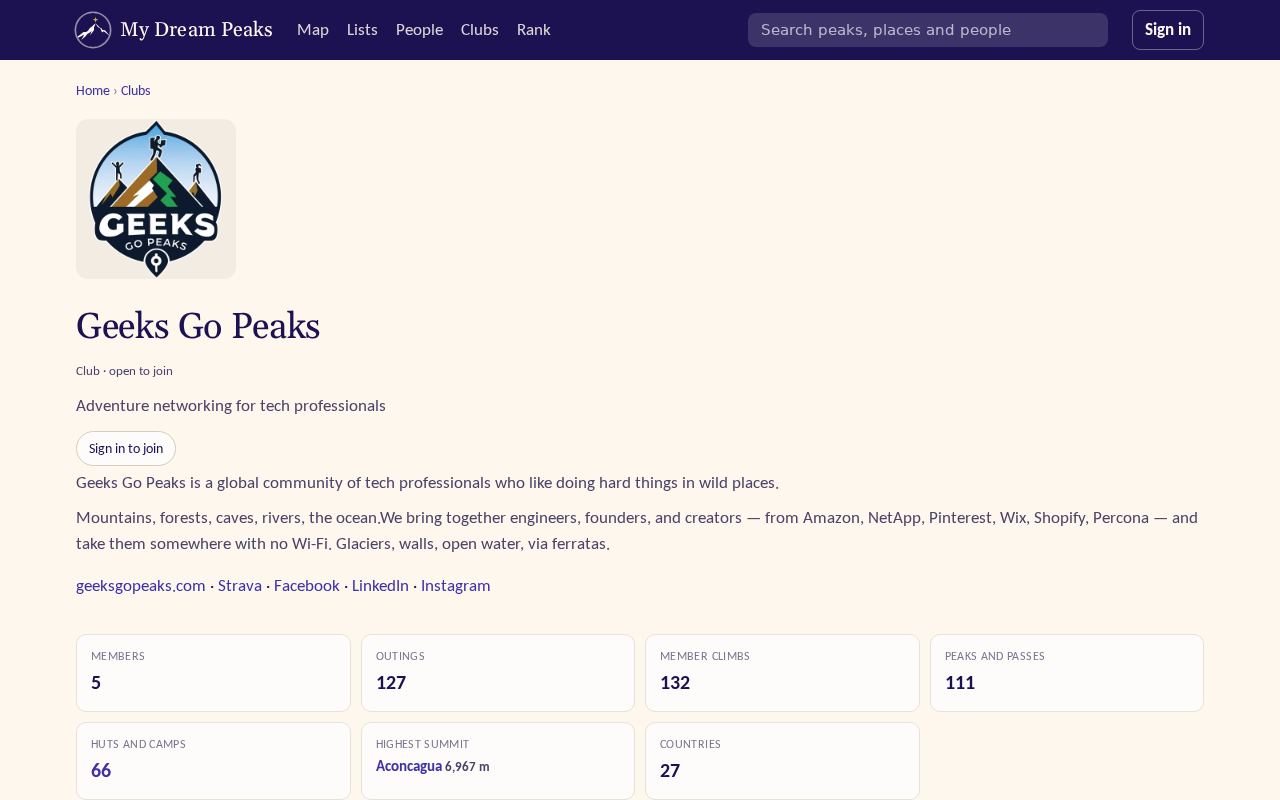
To join, open the club and press Join the club (open clubs) or Ask to join — an admin lets you in. Clubs → Create a club makes you its admin; under Club settings you can edit the profile and logo, and invite members (connections by name, others by email).
Checked against the site on 14 November 2026 · All help pages · Questions: [email protected]