 My Dream Peaks
Your climbs and trips
Your profile and timeline
What your profile shows, the timeline of everything you did, your lists and stars, and finding your own things fast.
Your profile is at mydreampeaks.com/u/your-handle — open it from the menu under your photo. Who can see it is up to you (see privacy).
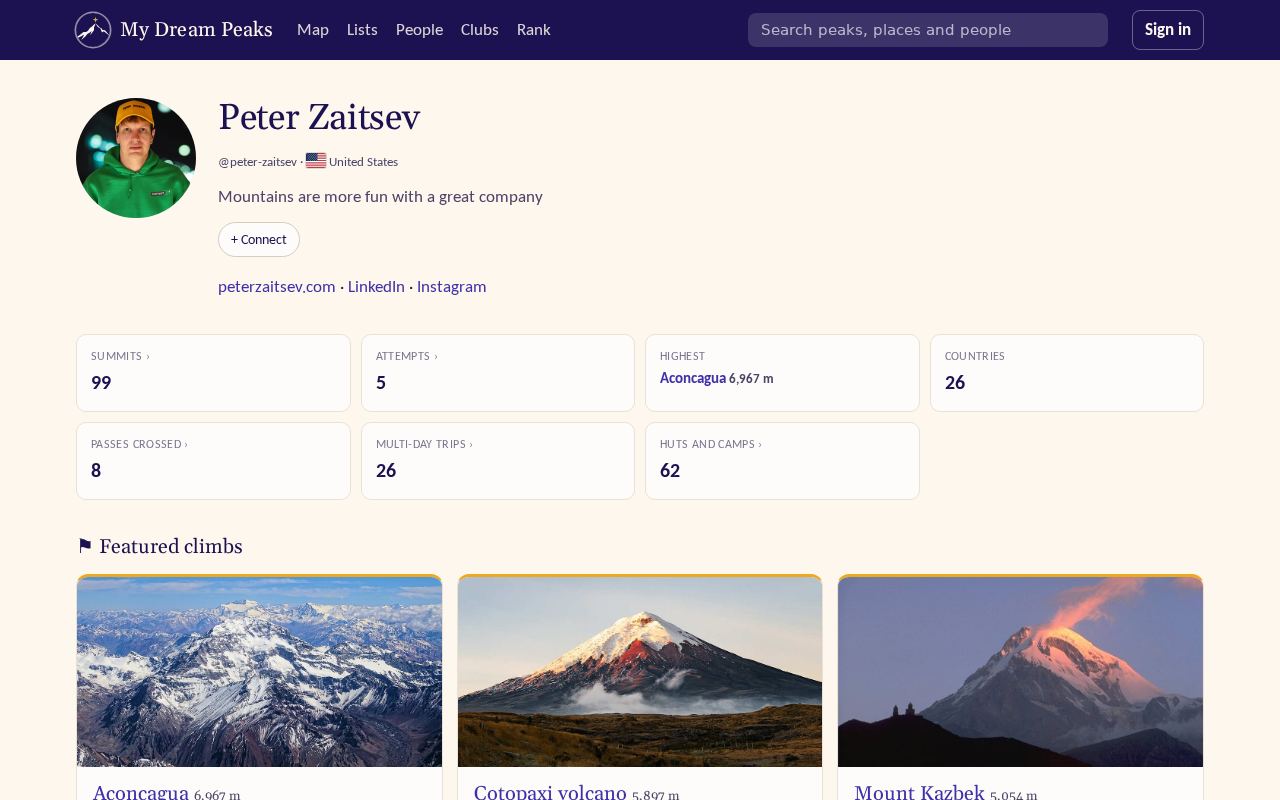
What's on it
- Your numbers at the top.
- Summit map — every summit you've reached.
- Featured climbs and featured trips — the ones you marked ⚑ Feature, your proudest.
- Climbs and visits — as a list of Peaks (each once, highest first) or the Timeline (below), and your Tracks.
- Lists — your progress on the lists you follow, and your own lists.
- ☆ Starred peaks and people — the ones you follow.
The timeline
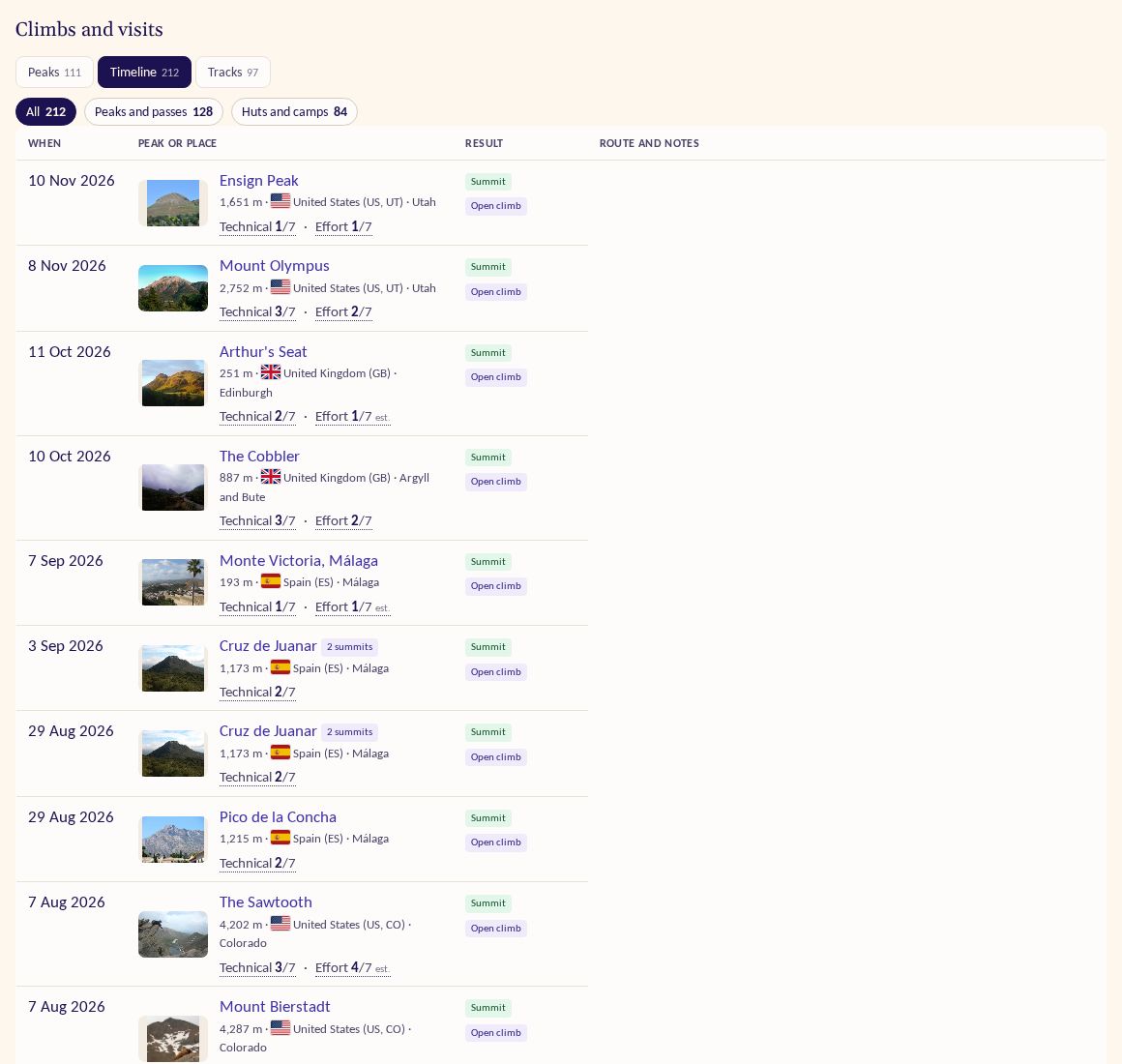
The timeline is everything you did, newest first: climbs and attempts, pass crossings, hut and camp stays, sights your tracks reached (waterfalls, viewpoints, glaciers, lakes…), canyon descents, each in its own row. Rows show who you were with (with their photos) and the club, if it was a club outing.
- Filter it with the chips on top: All · Peaks and passes · Huts and camps · Sights (waterfalls, viewpoints, glaciers, lakes, natural arches, caves, craters). Sights come from your GPS tracks; others see one only when its track is a day of a trip they can see.
- Page through it to the very beginning with the page links at the bottom — the filters stay on.
- A descent row shows the camps passed and the river or low point reached, with a link to open its track.
Climbs you've hidden (see Importing from Garmin) don't show to anyone; you can show them to yourself with the link above the list.
Finding your own things
As you type in the search box, your own climbs, trips and places come up first, marked with your photo. The Mine tab of the full results lists only your things — handy when you've logged hundreds of them.
Lists of your own
On your profile press New list of your own — a wish list for next summer, the peaks of a region you're working through. Add peaks from any peak page with + Add to list. Each list shows your progress, and gets its own share image when you post a link to it. Your Want to climb peaks form a list of their own.
Checked against the site on 14 November 2026 · All help pages · Questions: [email protected]